---
title: How to create a question library?
description: How to create a question library?
---
[Skip to content](https://lp.talentera.com/en/help/how-to-create-a-question-library#main-content)
English
Show submenu for translations

Open main navigation
Close main navigation
- English
Show submenu for translations
How can we help you?
- There are no suggestions because the search field is empty.
1. [Talentera Help Center](https://lp.talentera.com/en/help?hsLang=en)
2. [Employers](https://lp.talentera.com/en/help/employers?hsLang=en)
3. [Question Library](https://lp.talentera.com/en/help/employers?hsLang=en#question-library)
# How to create a question library?
Employers can add and save questions directly to Questions Templates to be used later in the questionnaires sent to the candidates.
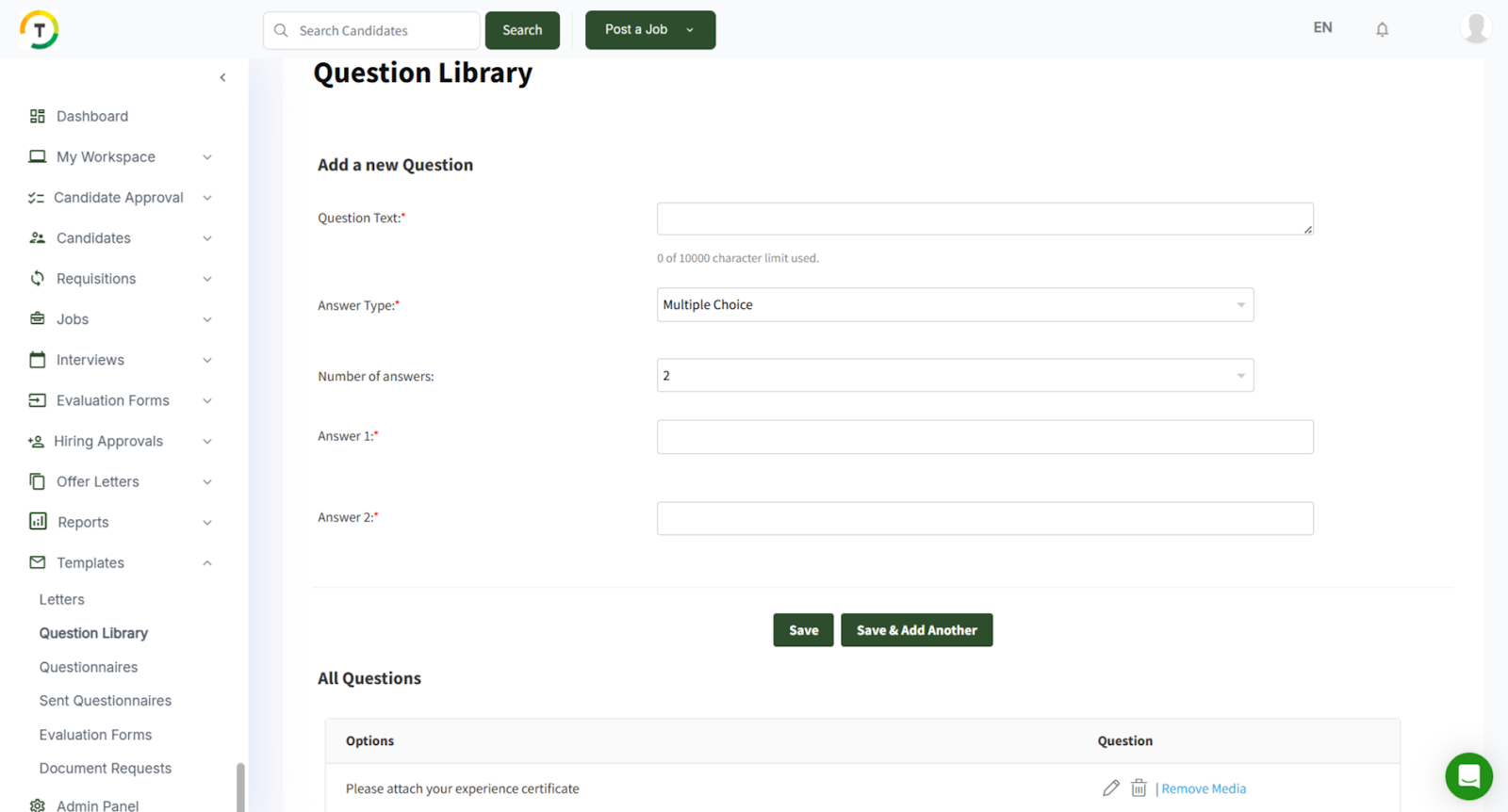
You can add different types of questions, as listed below:
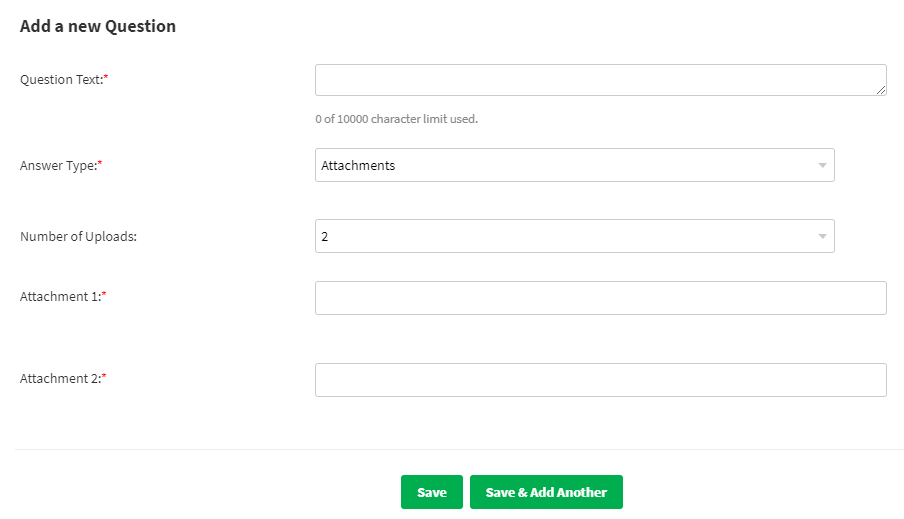
- **Attachment**
You can add up to 30 uploads and fill in all their names. You can use this option if the answer requires the jobseeker to attach a file.
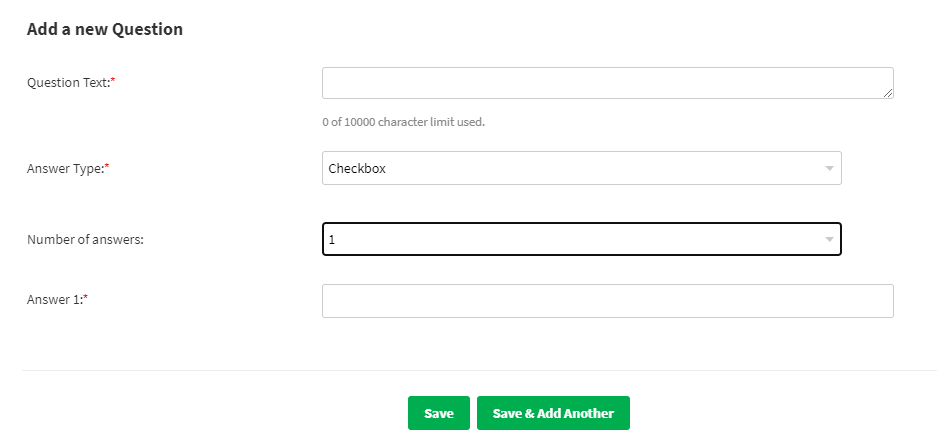
- **Checkbox**
You can add 30 options for the checkbox, and the option’s name field will be updated according to the selected number of answers.
- **Date**
- **Displayed text**
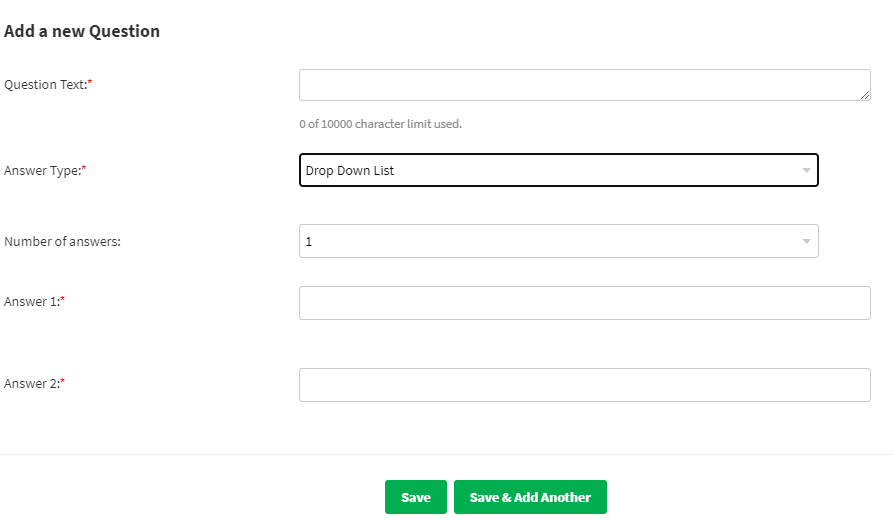
- **Dropdown list**
****
- **Email**
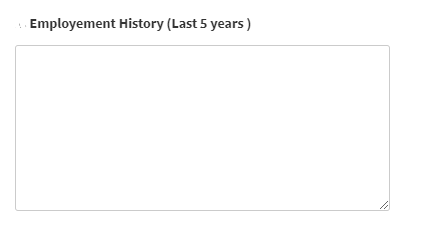
- **Free text**
****
- **Free- Text Field**
- **Header**
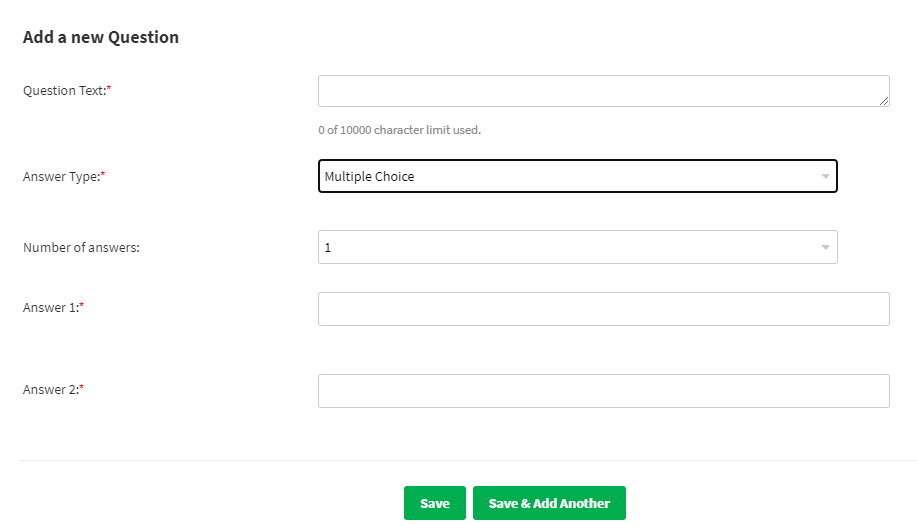
- **Multiple Choice**
**You can change the number of answers depending on the choices you need to add to the answer.**
****
- **Number**
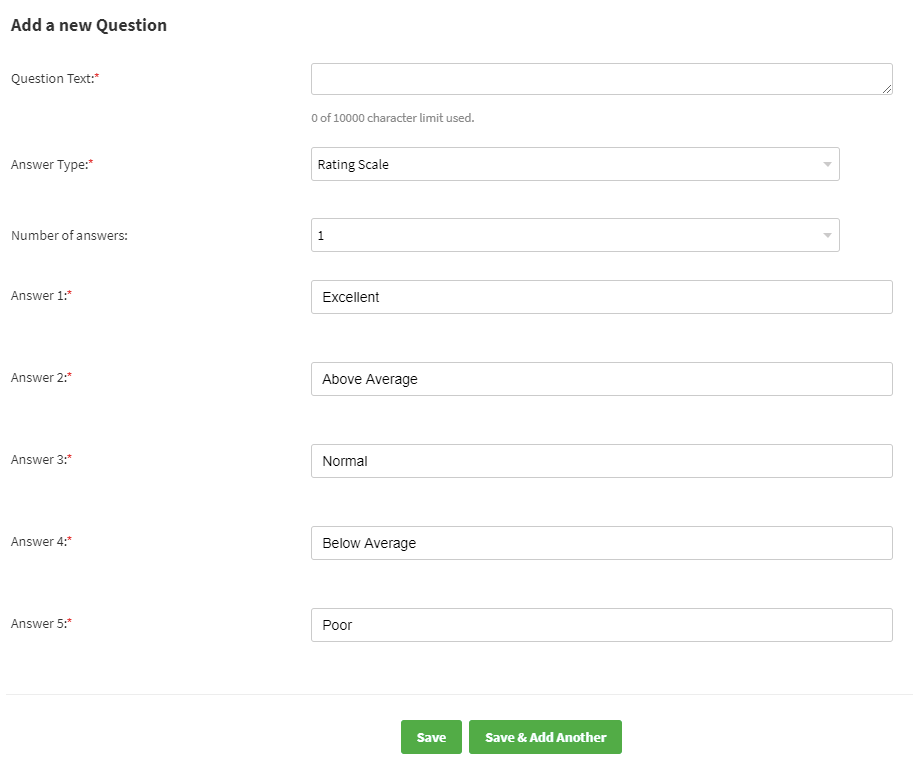
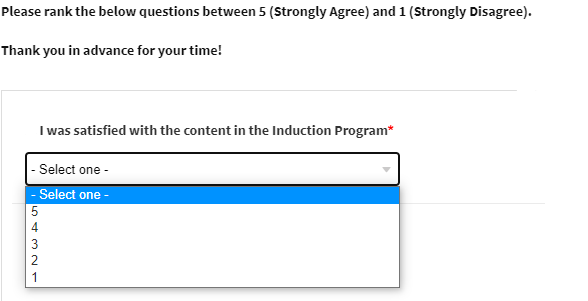
- **Rating Scale**
It’s a multiple-choice question that allows survey respondents to assign a value to a specific question.
- **Yes/ No**
Two answer options will appear (Yes/No)
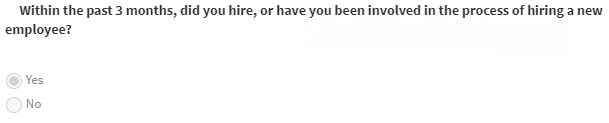
Click on ‘Save’ to continue or ‘Save & Add another’ to add more questions.
These added questions can be easily added to any Question Templates, as this will save your time instead of writing the same questions whenever you add a questionnaire.
- [Employers](https://lp.talentera.com/en/help/employers?hsLang=en#main-content)
- [Dashboard](https://lp.talentera.com/en/help/employers?hsLang=en#dashboard)
- [My Workspace](https://lp.talentera.com/en/help/employers?hsLang=en#my-workspace)
- [Candidates](https://lp.talentera.com/en/help/employers?hsLang=en#candidates)
- [Jobs](https://lp.talentera.com/en/help/employers?hsLang=en#jobs)
- [Evaluation Forms](https://lp.talentera.com/en/help/employers?hsLang=en#evaluation-forms)
- [Reports](https://lp.talentera.com/en/help/employers?hsLang=en#reports)
- [Requisitions](https://lp.talentera.com/en/help/employers?hsLang=en#requisitions)
- [Hiring Approval](https://lp.talentera.com/en/help/employers?hsLang=en#hiring-approval)
- [Admin Panel](https://lp.talentera.com/en/help/employers?hsLang=en#admin-panel)
- [Document Requests](https://lp.talentera.com/en/help/employers?hsLang=en#document-requests)
- [Letters](https://lp.talentera.com/en/help/employers?hsLang=en#letters)
- [Question Library](https://lp.talentera.com/en/help/employers?hsLang=en#question-library)
- [Questionnaires](https://lp.talentera.com/en/help/employers?hsLang=en#questionnaires)
- [Offer Letters](https://lp.talentera.com/en/help/employers?hsLang=en#offer-letters)
- [Sanad AI Assistant](https://lp.talentera.com/en/help/employers?hsLang=en#sanad-ai-assistant)
- [Bayt Remote CV Search](https://lp.talentera.com/en/help/employers?hsLang=en#bayt-remote-cv-search)
- [Job Seekers](https://lp.talentera.com/en/help/job-seekers?hsLang=en#main-content)
- [Creating an Account](https://lp.talentera.com/en/help/job-seekers?hsLang=en#creating-an-account)
- [Login](https://lp.talentera.com/en/help/job-seekers?hsLang=en#login)
- [Adding a Cover Letter](https://lp.talentera.com/en/help/job-seekers?hsLang=en#adding-a-cover-letter)
- [Building the CV](https://lp.talentera.com/en/help/job-seekers?hsLang=en#building-the-cv)
- [Searching for Jobs](https://lp.talentera.com/en/help/job-seekers?hsLang=en#searching-for-jobs)
- [Dashboard](https://lp.talentera.com/en/help/job-seekers?hsLang=en#dashboard)
[%20(7).png?width=55&height=55&name=Linkedin%20Ads%20-%20(1200%20%C3%97%201200%20px)%20(7).png "Linkedin Ads - (1200 × 1200 px) (7)")](http://www.talentera.com)
Copyright © 2026, Bayt Group
[mailto:CSM@bayt.net](mailto:CSM@bayt.net)