
Overview
The JD Generator is an AI-powered tool in Talentera that generates a complete, structured job description from a short prompt. Use it when posting a new job, when an existing JD is incomplete, or before enabling SANAD Sourcing or Shortlisting.
How to Access the JD Generator
- Go to Jobs in the main navigation.
- Click Post a New Job or open a job in draft status.
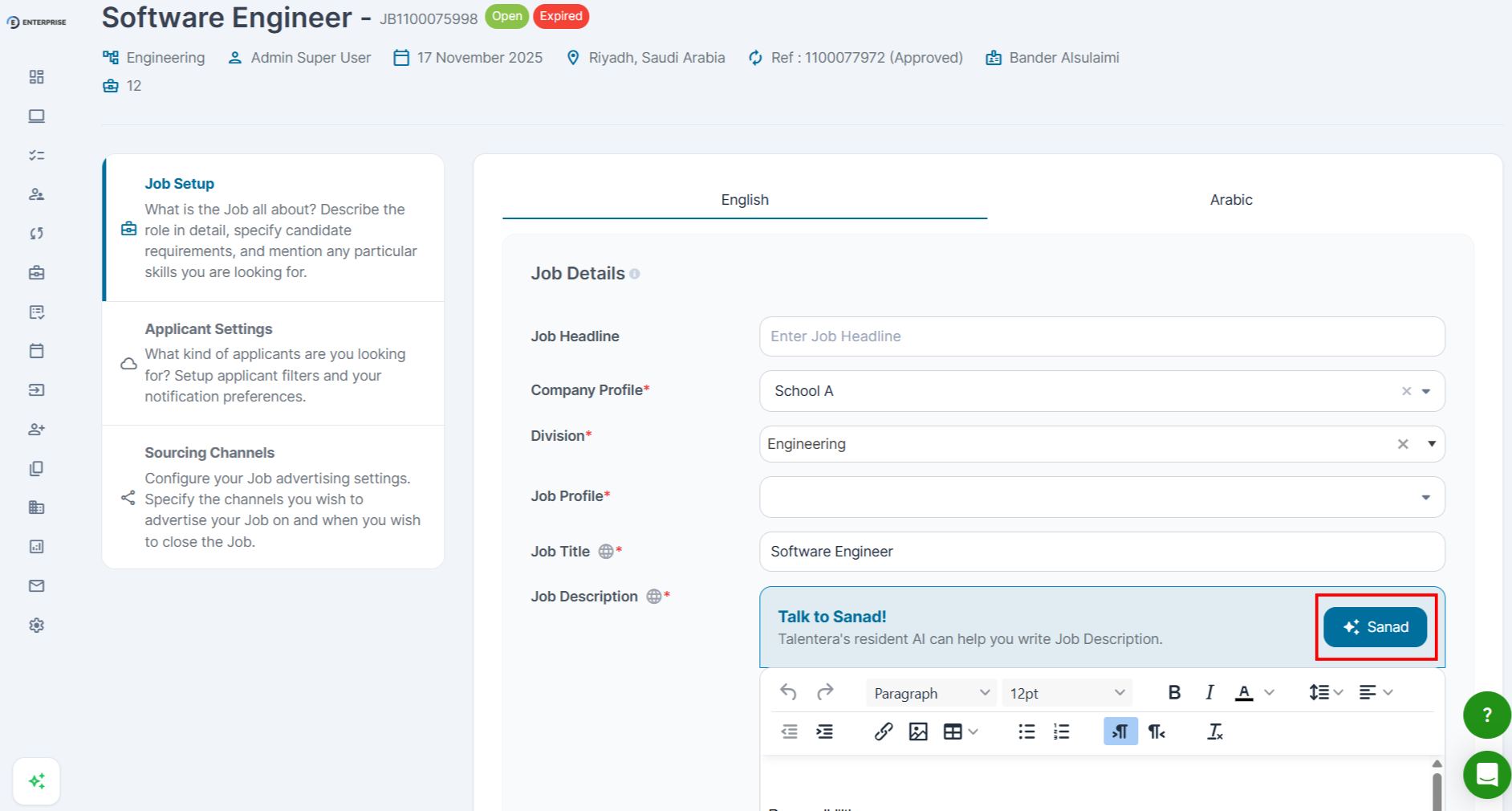
- In the job description field, look for the Generate with SANAD option.
- Enter the job title and any key requirements.
- Click Generate. The draft appears in the description field.
- Review and edit the draft before saving or publishing.
|
[ GIF SUGGESTED, JD Generator flow, input to draft generation ] |
Editing the Generated Draft
The generated draft is a starting point. Before publishing, review:
- Job requirements, confirm they match the role.
- Experience level and qualifications, adjust to reflect your needs.
- Location and work mode, confirm on-site, remote, or hybrid.
- Terminology, review for internal consistency.
|
💡 Tip: The more specific your input (job title + 3–5 key requirements), the more accurate the generated JD. |
Frequently Asked Questions
Can I use the JD Generator to improve an existing JD?
Yes. Open the job in edit mode and use Generate with SANAD. Review carefully, this will overwrite the current JD content.
The generated JD doesn’t match our company’s tone. What should I do?
The JD Generator creates a general-purpose draft. Always edit it to match your organization’s terminology and structure.
Does the JD Generator work in Arabic?
Yes. If your account language is Arabic, the generator produces a draft in Arabic.